> ## Documentation Index
> Fetch the complete documentation index at: https://docs.upmeet.me/llms.txt
> Use this file to discover all available pages before exploring further.
# Chrome Shared Browser
> Collaborate on any website inside of your meeting
**This feature is still in public beta, we're working on a new iteration with improvements.**
 ## Overview
**Available on Advanced and above**
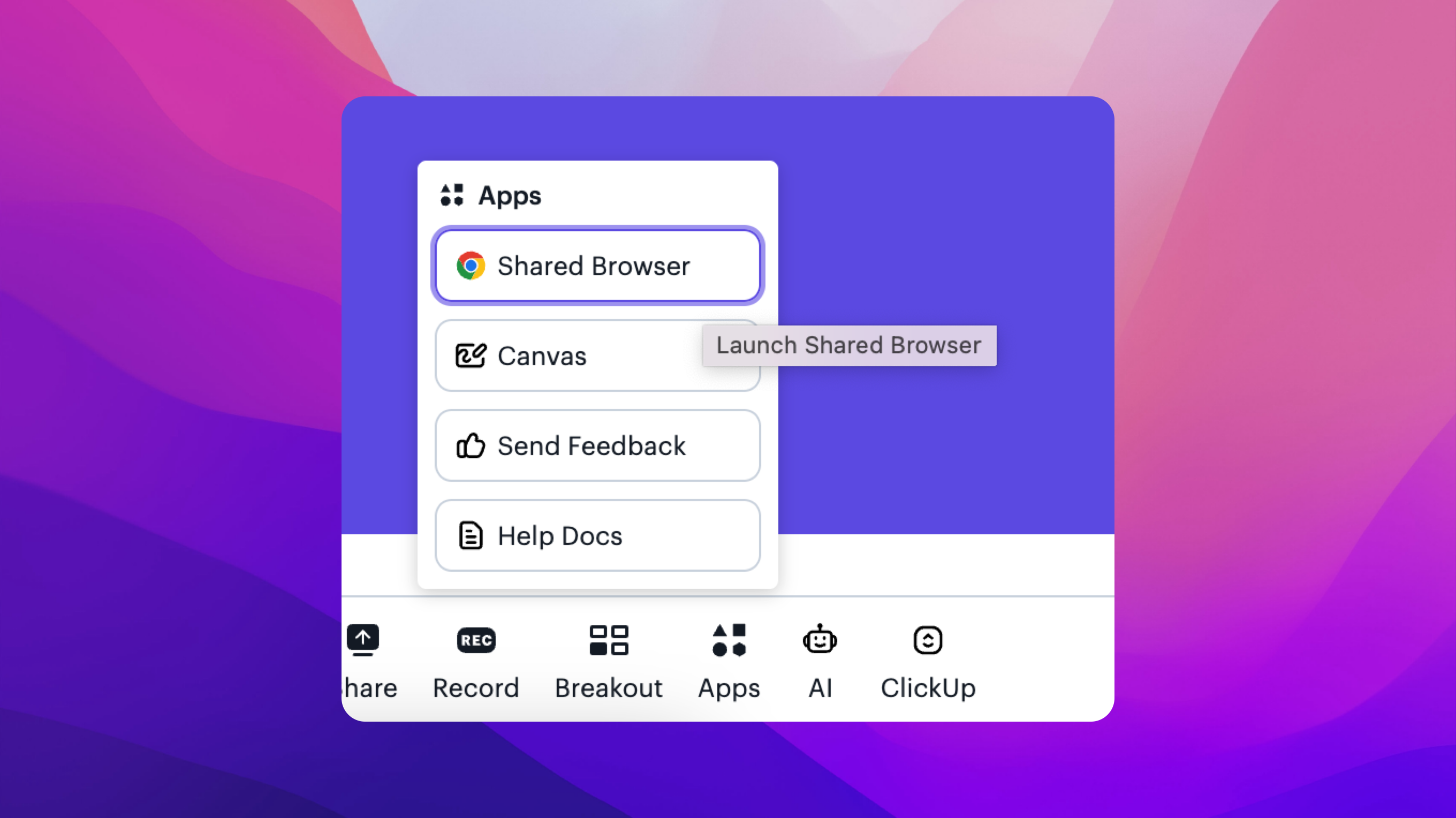
Starting a shared browser allows anyone on the meeting to start a virtual browser which they can type and click on. It is a full virtual Chrome browser unique to that meeting session and room.
### Privacy
* We never see what tabs are open or what you type.
* The browser is powered by a third-party platform that is secure.
## Overview
**Available on Advanced and above**
Starting a shared browser allows anyone on the meeting to start a virtual browser which they can type and click on. It is a full virtual Chrome browser unique to that meeting session and room.
### Privacy
* We never see what tabs are open or what you type.
* The browser is powered by a third-party platform that is secure.