> ## Documentation Index
> Fetch the complete documentation index at: https://docs.upmeet.me/llms.txt
> Use this file to discover all available pages before exploring further.
# ClickUp Integration
> Launch meetings within ClickUp in seconds
## Overview
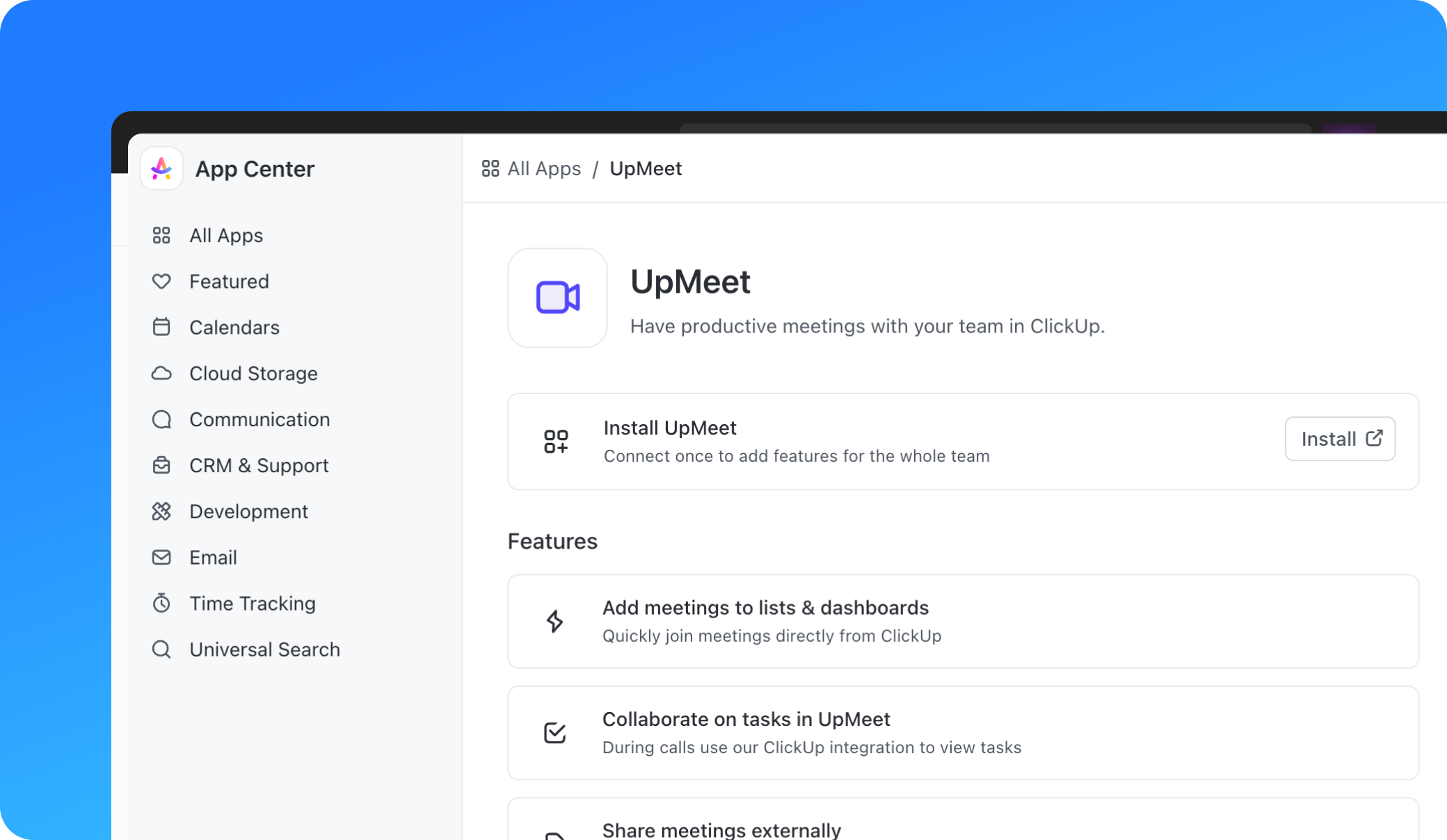
The ClickUp integration allows you to add your UpMeet calls directly to your ClickUp workspace lists, dashboards, and whiteboards. This integration aims to make your team more productive by having video calls in lists and dashboards, eliminating the need to dig for meeting links. You can join meetings from an Embed view in ClickUp.
## Demo + Setup
## How to Setup the Integration
Check the ClickUp Help Docs about the UpMeet integration to check you have everything needed to setup.
Setting up the UpMeet and ClickUp integration involves a few easy steps. Here's a step-by-step guide:
If you haven't already, sign up for an UpMeet account. You can do this by visiting the UpMeet website and following the sign-up process.
Once you've signed up for UpMeet, you can create unique spaces to meet in. In your dashboard click the ClickUp button for the space you want to add to ClickUp. This link will be used to add your UpMeet calls to your ClickUp workspace.
Navigate to your ClickUp workspace. If you don't have a ClickUp account, you'll need to create one.
In your ClickUp workspace, you can add the UpMeet link to an Embed view. This will allow you to join UpMeet calls directly from ClickUp.
Once the integration is set up, you can start adding UpMeet calls to your ClickUp workspace lists, dashboards, and whiteboards. This will make it easier for you and your team to join meetings and stay productive.